How to View the Training Calendar in SimpliTrain
SimpliTrain provides a Training Calendar feature that allows learners to conveniently track their scheduled classes in a calendar format. This helps learners stay organized and easily manage their training schedules.
Steps to Access the Training Calendar
- Navigate to the Home
- Select “Calendar” from the top navigation.

2. Open the Training Calendar
- Click on the Calendar to be redirected to the Calendar page.
3. View Scheduled Classes
- The calendar displays all requested, enrolled, and canceled classes.
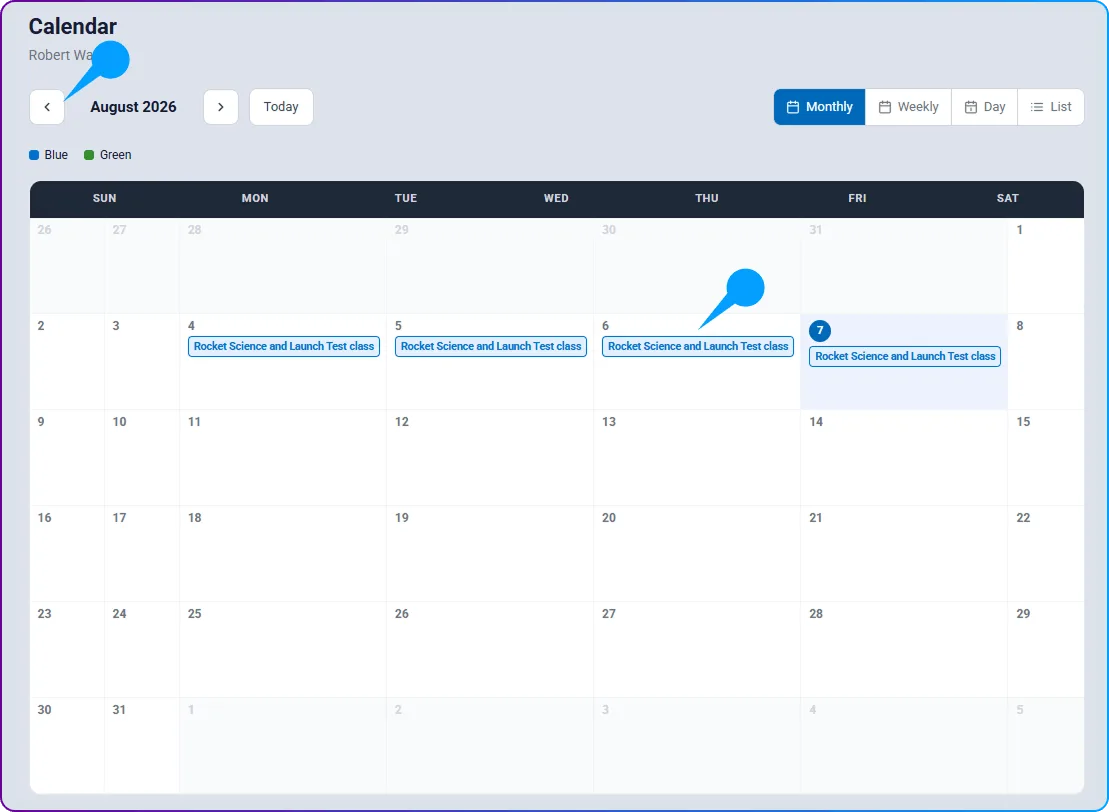
- Learners can directly access the class enrollment details by clicking on the class name within the calendar.
4. Filter Training Schedule
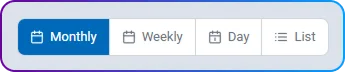
- Use the “Month” / “List” view switch, and the event filters (All Events, Classes Only, Deadlines Only, Webinars Only, Reminders Only).
- By default, the calendar shows all scheduled enrollments for the current month.
5. View Future Enrollments
- To check upcoming classes for future months, use the arrow keys to navigate forward.