How to Access Documents in SimpliTrain
Learners can easily access various documents uploaded by their center, including course-related materials and other important files. Follow the steps below to locate and download documents in SimpliTrain.
Steps to Access Documents
- Navigate to My Training.

- On the My Training page, select “Documents” from the Categories list.
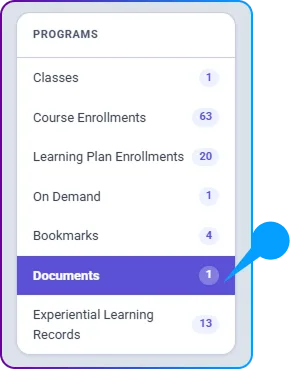
2. View Available Documents
- Select the Documents category to open the list of uploaded files.
- All documents shared by the center will be displayed here.
3. Download a Document
- To download a document, simply click on its Download button.
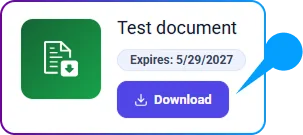
- The file will be downloaded instantly for easy access.