How to Access Your Current Self-Paced Courses in SimpliTrain
As a learner, you can easily access and track your self-paced courses in SimpliTrain by following these steps:
Steps to Access Self-Paced Courses
- Navigate to “My Training”
- From the top navigation, select “My Training“.

- This will open the My Training page.
2. Select the “Course Enrollments” Tab
- From the left-side menu, click on the “Course Enrollments” tab.
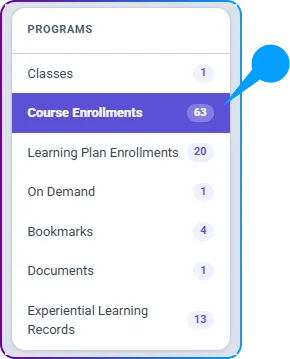
- Here you will see all of your course enrollments.
3. Open a Course
- Select any course from the list to view its details.
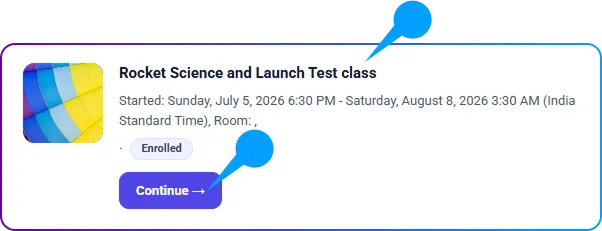
- This will redirect you to the Course Enrollment page.
4. Review Course Information
- In the Enrollment Details section, you will find all relevant details about the course.
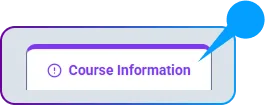
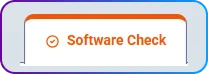
- There is also a Software Check tab where you should complete necessary system checks before proceeding.
5. Explore Course Activities
- In the Activities section, you will find all learning materials related to the course, including:
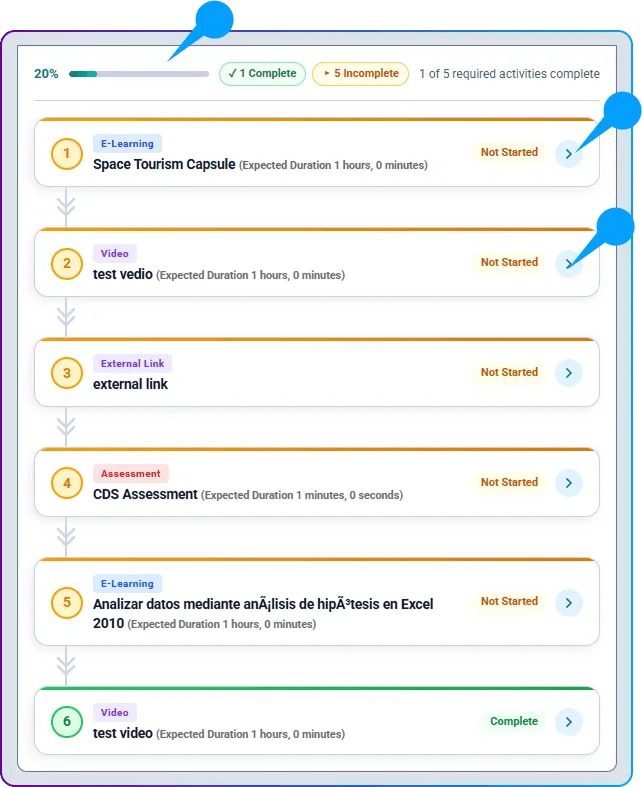
- Videos – Watch course-related content.
- Assignments – Complete coursework and assessments.
- Labs – Engage in hands-on exercises.
- SCORM Modules – Access interactive learning content.
6. Complete Required Activities
- Some activities may be mandatory for course completion.
- As you complete each required activity, the progress bar will automatically update.