How to Cancel Your Enrollment in SimpliTrain
Learners in SimpliTrain have the flexibility to cancel their enrollment within the designated timeframe before the class start date.
Steps to Cancel Your Enrollment
- Access Your Training Section
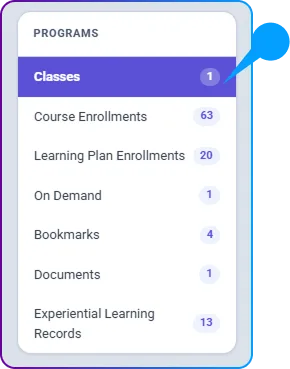
- Select “My Training” from the top navigation.

- Open the “Class Enrollments” category and locate the class you wish to cancel.
2. Initiate the Cancellation
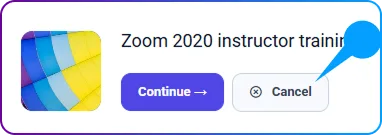
- Click on the Cancel button displayed on the class tile.
3. Confirm the Cancellation
- A confirmation pop-up window will appear.
- Click OK to proceed with the cancellation.
4. Completion
- Your enrollment will be successfully canceled.