How to Create Clubs in SimpliTrain
Creating a club in SimpliTrain is a straightforward process that allows for the organization of learners under a shared program or initiative. Follow these steps to create a club effectively.
Steps to Create a Club

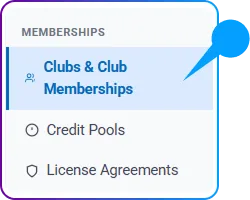
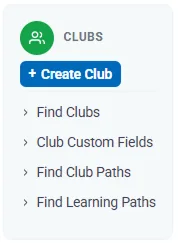
- Go to Accounting > Memberships > Clubs & Memberships > Clubs and select “+ Create Club“.
Click on it to be redirected to the Create Club page.
2.Provide Basic Information
- Fill in the necessary fields under the Basic Information section, including:
- Club Name: Enter a unique and descriptive name for the club.

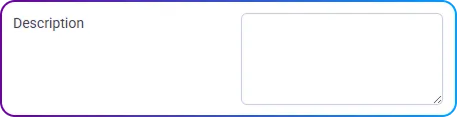
- Description: Provide additional details about the purpose or activities of the club.
3. Associate the Club with a Center and Program
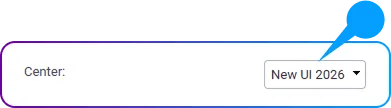
- Select the appropriate Center from the dropdown list to associate the club with its location.
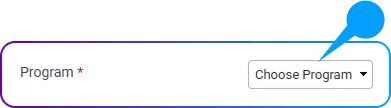
- Choose a Program from the dropdown menu to link the club to a specific training or educational initiative.
4. Set Up Club Details
- Duration: Define the club’s duration. By default, it is set to 365 days, but this can be customized as needed.

- Price: Specify the membership price for the club.

- Max Pool Size: Determine the maximum number of members allowed in the club.

5. Associate Courses
- In the Courses section, link relevant courses to the club to ensure members have access to the appropriate training materials or sessions.
6. Save the Club
- Review all the information entered to ensure accuracy.
- Click on the Save button to finalize the creation of the club.