How to Create a Coupon Pool Profile in SimpliTrain
A coupon pool profile in SimpliTrain allows organizations to manage and distribute promotional coupons for specific courses or programs effectively. Follow the steps below to create a coupon pool profile:
Steps to Create a Coupon Pool Profile

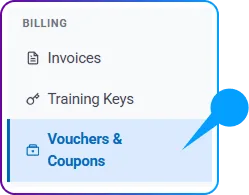
- Go to Accounting > Billing > Vouchers & Coupons > Coupon Pools and select “+ Create Coupon Pool Profile“.
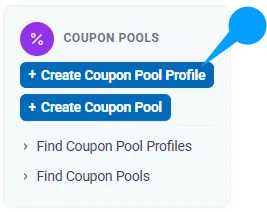
- Click on it to be redirected to the Create Coupon Pool Profile page.
2. Enter Basic Information
- Fill in the required fields in the Basic Information section, including:
- Name: Provide a unique and descriptive name for the coupon pool profile.

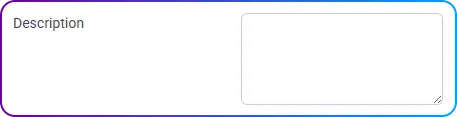
- Description: Add relevant details to explain the purpose of the coupon pool.
3. Associate a Center
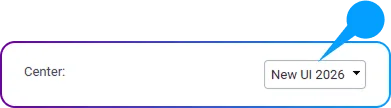
- Select the desired Center from the dropdown menu to associate it with the coupon pool profile.
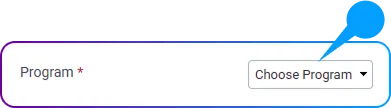
4. Link a Program
- Choose a Program from the dropdown menu to connect it with the coupon pool profile.
5. Define the Duration
- Set the Duration for the coupon pool profile to specify its active period.

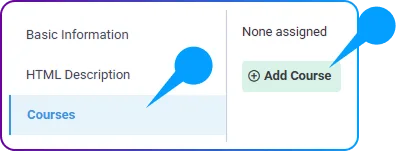
6. Associate Courses
- In the Courses section, link the courses to which the coupon pool profile will apply.
7. Save the Coupon Pool Profile
- Review the details entered to ensure all information is accurate.
- Click on the Save button to finalize the creation of the coupon pool profile.