How to Access and Edit the Learner Profile in SimpliTrain
SimpliTrain provides learners with the ability to view and manage their profile details efficiently. Through the My Profile page, learners can update their profile information, change their password, and manage notifications.
Steps to Access and Edit Your Profile
- Navigate to the My Profle Page
- Select your avatar in the top-right corner and choose “My Profile“.
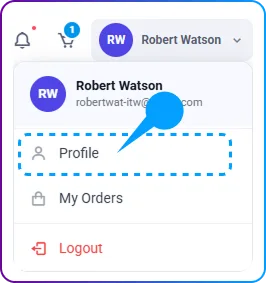
- This will redirect you to the My Profile Page, where your profile information is displayed.
- Select your avatar in the top-right corner and choose “My Profile“.
- Edit Your Profile Information
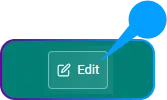
- Click on the Edit button to access the Edit Profile page.
- Update any necessary details, such as name, contact information, or other relevant fields.
- Click on the Save button to apply the changes.
- Click on the Edit button to access the Edit Profile page.
- Change Your Password
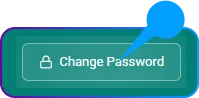
- Within the My Profile Page, locate the option to Change Password.
- Enter your current password and set a new password as per the required criteria.
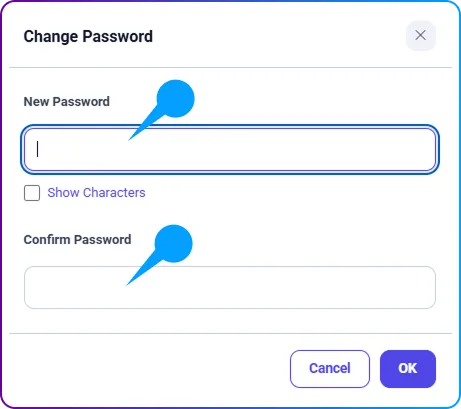
- Click OK to update your password securely.
- Within the My Profile Page, locate the option to Change Password.
- Manage Notifications & Announcements
-
- SimpliTrain allows learners to enable or disable notifications and announcements from the center while editing their profile.
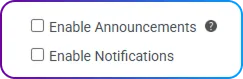
- Adjust these settings based on your preferences to stay updated on important course-related information.
- SimpliTrain allows learners to enable or disable notifications and announcements from the center while editing their profile.