How to Manage Class Attendance in SimpliTrain
SimpliTrain allows administrators/instructors to efficiently track and manage learner attendance for specific classes or sessions. Follow these steps to mark attendance:
- Access the Attendance Chart
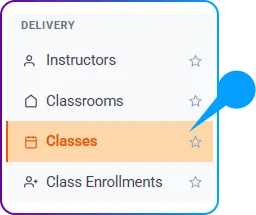
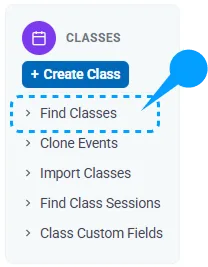
- Go to Admin > Training Management > Delivery > Classes > Find Classes and open the class. (Attendance can also be reached directly from Class Enrollments > Find Class Attendance.)
- Click on the “Attendance Chart” option.

- This will redirect you to the Attendance Chart page
- Go to Admin > Training Management > Delivery > Classes > Find Classes and open the class. (Attendance can also be reached directly from Class Enrollments > Find Class Attendance.)
- Mark Attendance for Sessions
-
- On the Attendance Chart page, you will see a list of sessions associated with the class.
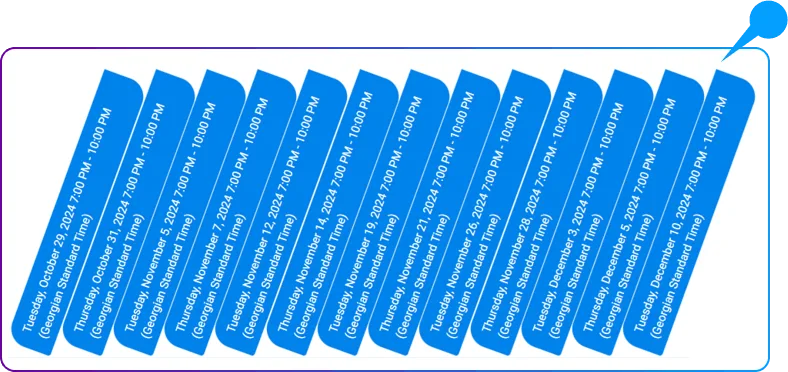
- To mark a learner’s attendance, simply check the appropriate checkbox for each session they attended.

- On the Attendance Chart page, you will see a list of sessions associated with the class.
- Auto Save Attendance Records
- Once all attendance is marked, it will update the changes in the system.
By using this feature, you can maintain accurate attendance records for each learner across all class sessions.