How to Create an Announcement in SimpliTrain
Users in SimpliTrain can create Announcements to communicate important updates with all users within a center. Announcements can also be scheduled for a future date, ensuring they are automatically triggered when needed.
Steps to Create an Announcement
Access the Announcement Section
Access the Announcement
- Go to Admin > Engagement & Comms > Communication > Announcements and select “+ Create Announcement“.
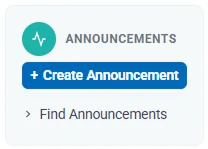
- This will redirect you to the Create Announcement page.
Enter Announcement Details
Fill in the necessary information in the Basic Information section:
- Title and Description of the announcement.
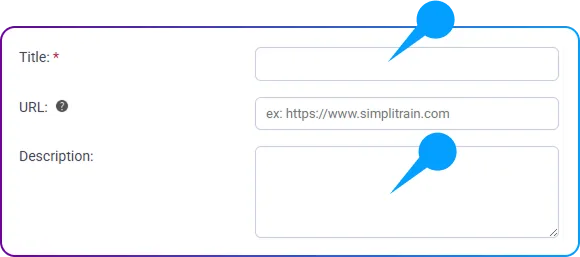
- Priority Level (e.g., High, Medium, Low).

Set Display and Scheduling Options
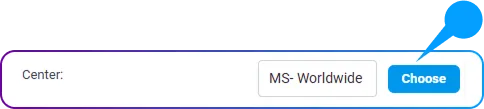
- Select the Center where the announcement should be visible.
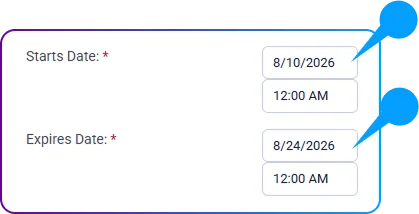
- Define the Start and End Date for when the announcement should be displayed.
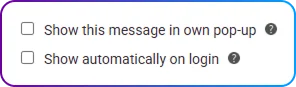
- Choose the appropriate checkboxes based on the announcement type.
Save and Publish
- Click the “Save” button to finalize the announcement.
- If a future start date is set, the announcement will automatically trigger on the scheduled date.
Once the announcement is triggered, all users within the center will receive it in their Notifications, ensuring they stay informed.
By utilizing the announcement feature in SimpliTrain, admin or instructor users can efficiently communicate updates, events, and important notices with learners!